Hello, and welcome to Studio Grid. If you design or build for the web, this is a home for a small, growing family of tools made to sit inside your workflow instead of in yet another tab you have to go find. This first post is a quick introduction: what Studio Grid is, what’s here today, and where it’s heading.
What Studio Grid is
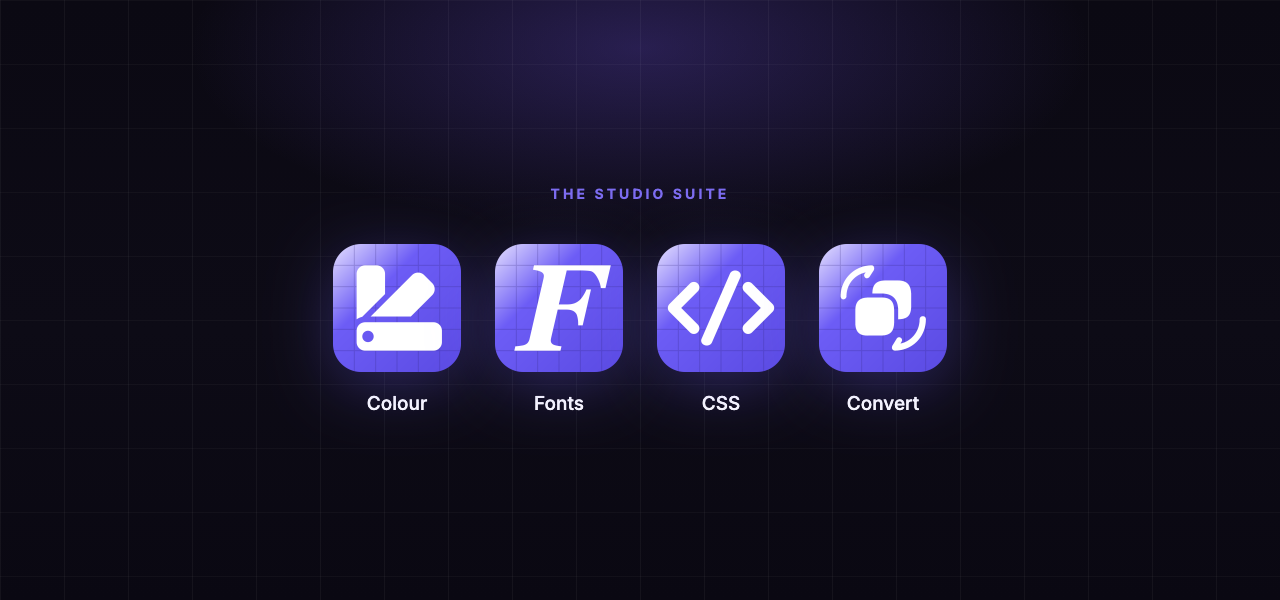
Studio Grid is a studio for the tools designers and developers actually reach for a dozen times a day, like picking a colour, checking a value, converting a unit, inspecting a page. Each one is a focused Studio [X] app: small, fast, and built to do one job really well. Together they form a suite that shares a look, a feel, and a way of working, so moving between them feels like staying in one place.
The idea behind it
Most tools interrupt you. You leave what you’re doing, go somewhere else to get an answer, and come back having lost the thread. Studio Grid is built on the opposite idea: the tool should come to the work and stay out of the way. Whether that’s a colour picker that never covers the thing you’re sampling, or a Mac app that does the maths right next to your notes, the goal is always to cut context-switching so you stay in flow.
What’s here today
Studio Colour is in review at the Chrome Web Store. It’s a browser colour toolkit that picks, builds palettes, checks contrast and exports in the formats you actually use, all from a panel that never gets in your way. It’s the first of the family you can use today, and a good place to start.
What’s coming
Studio Convert is almost here, and it’s the first Studio app to land natively on the Mac. Type a conversion the way you’d say it out loud (24px in rem, 350 EUR in USD, 15% of 490) and the answer appears next to it. It’s the start of the suite arriving on the desktop, with more to follow.
Where to start
Have a look around the tools, try Studio Colour in your browser, and check back here, because this blog is where new releases, guides and behind-the-scenes notes will land. Thanks for being early. The best is genuinely still to come.
Studio Grid makes small, fast tools for designers and developers, starting with Studio Colour in your browser and Studio Convert coming to the Mac.