Stay in your flow
Every tool opens in a browser side panel or a native Mac app, so you never break focus to hunt for a colour or a font.
Mac apps + browser extensions
Native tools for Mac and the browser, built for the small jobs between having an idea and shipping it.


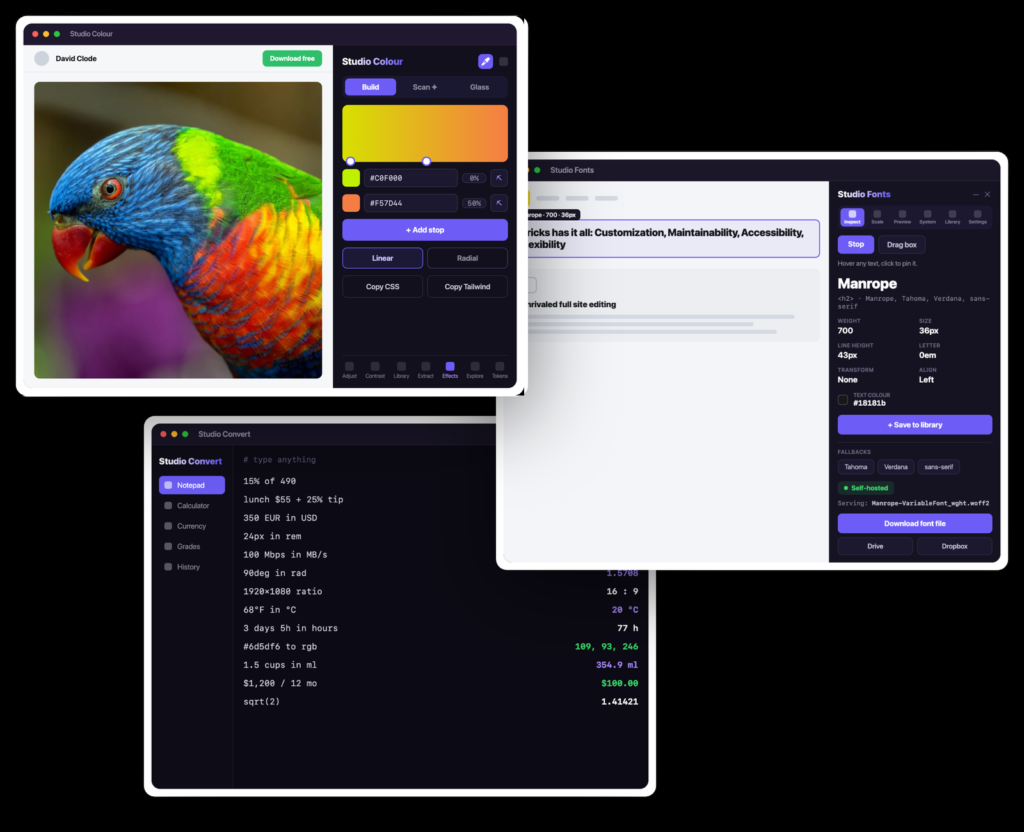
Studio Grid is a growing family of lightweight browser extensions and native Mac apps for designers.
Each one handles a job you do many times a day, like grabbing a colour or checking a font.
Studio Colour is first, and the rest land through the year.
Small, focused tools that fit how you already work,
so the fiddly parts of a project take seconds.
Every tool opens in a browser side panel or a native Mac app, so you never break focus to hunt for a colour or a font.
Local-first by design. Your colours, files and settings never leave your device or your own site.
No accountNo uploadNo tracking
The browser extensions start free, so you can ship real work before you pay. The Mac apps are paid, with a 14-day trial.
Free core14-day trial
Eyedrop a colour from any page, keep palettes organised, and pull CSS from a live site to reuse. The repetitive parts of design get faster.
Works alongside Bricks, Elementor, Divi and any site in your browser, using the workflow you already have.
Each tool covers one job and adds nothing you won't use, so your browser and Mac stay fast.
Here's what's out now and what's next. Each tool works on its own, so start with the one you need.
Available now · Free Chrome extension
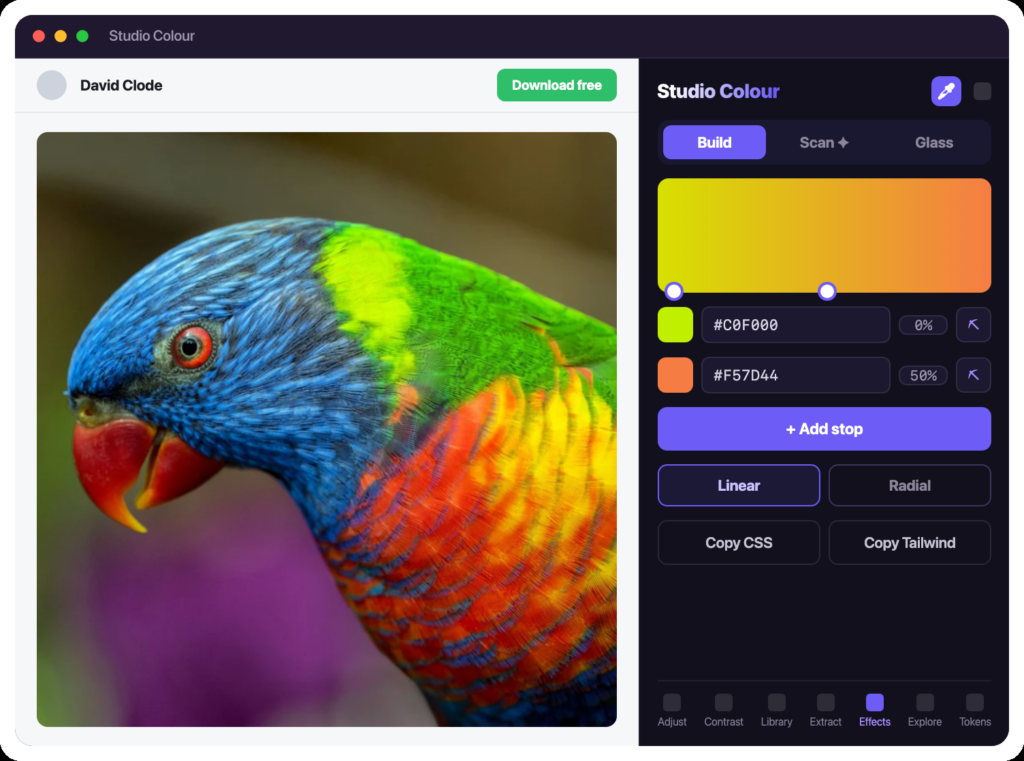
Studio Colour docks beside any page. Pick a colour, build a gradient, generate a scale, check contrast, and export to CSS or Tailwind without switching tabs. It will be free on the Chrome Web Store.
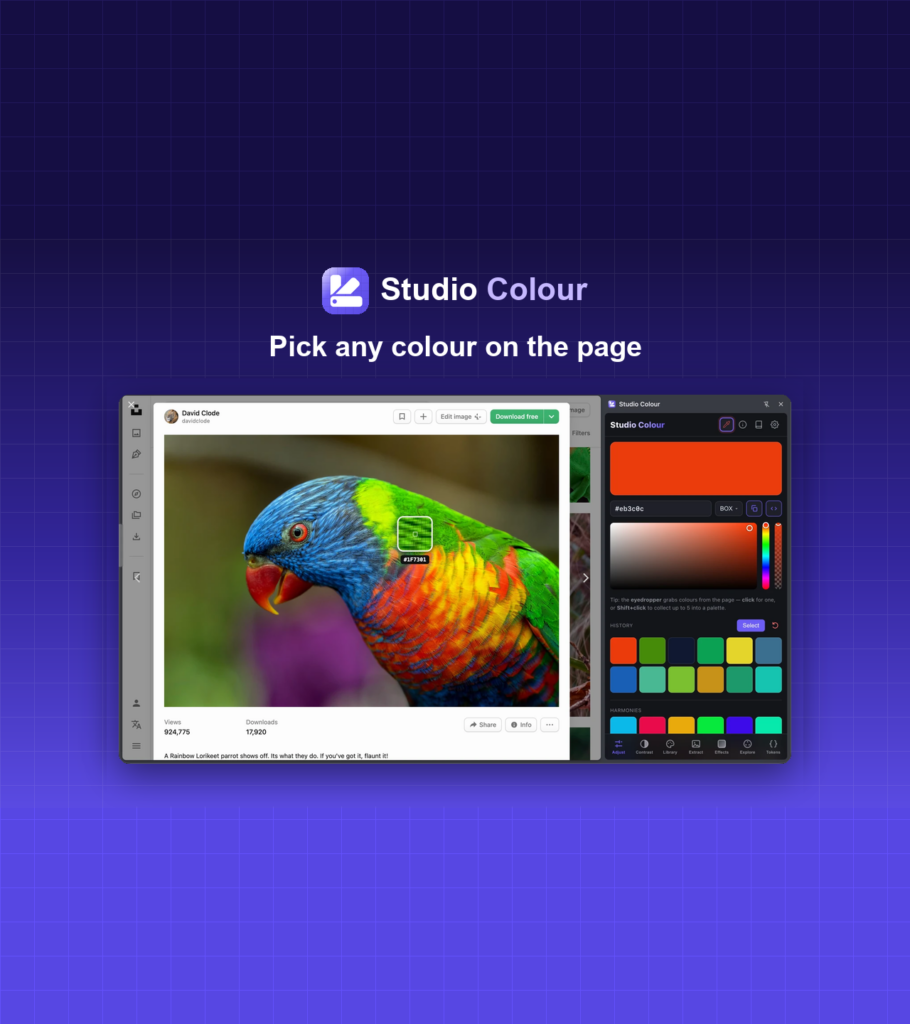
Coming soon · Native Mac app
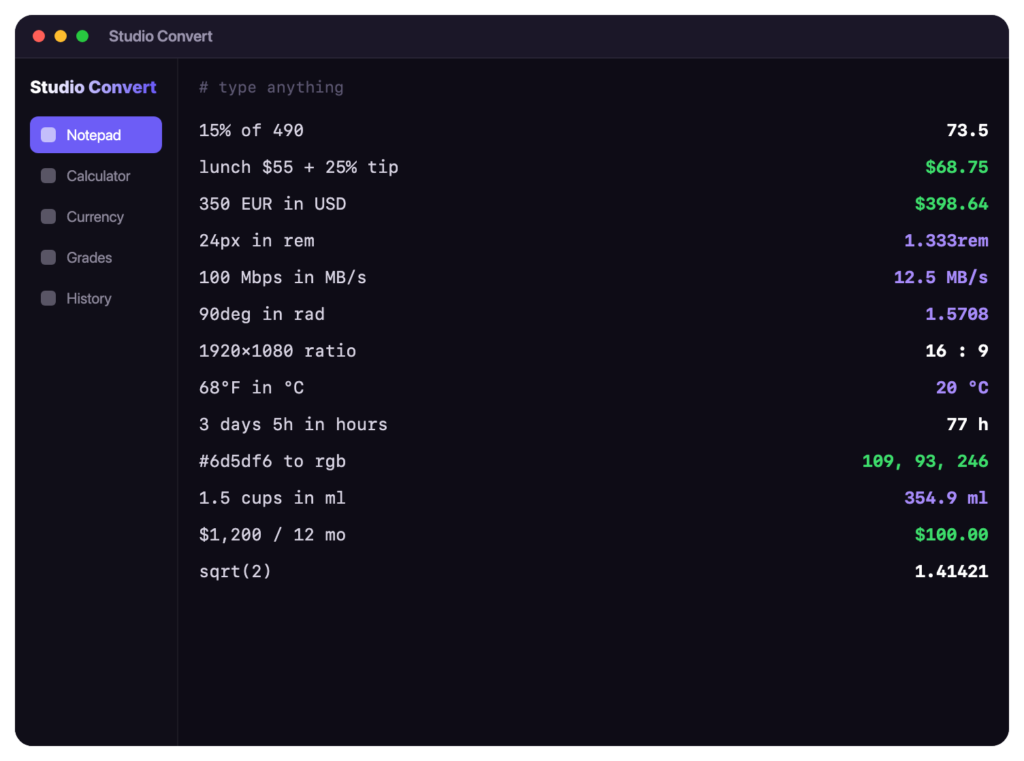
Studio Convert is one keystroke away on your Mac. Type a currency conversion, a designer unit, or a tax or interest calculation in plain language and get the answer without opening a browser tab or calculator. Coming soon to macOS.
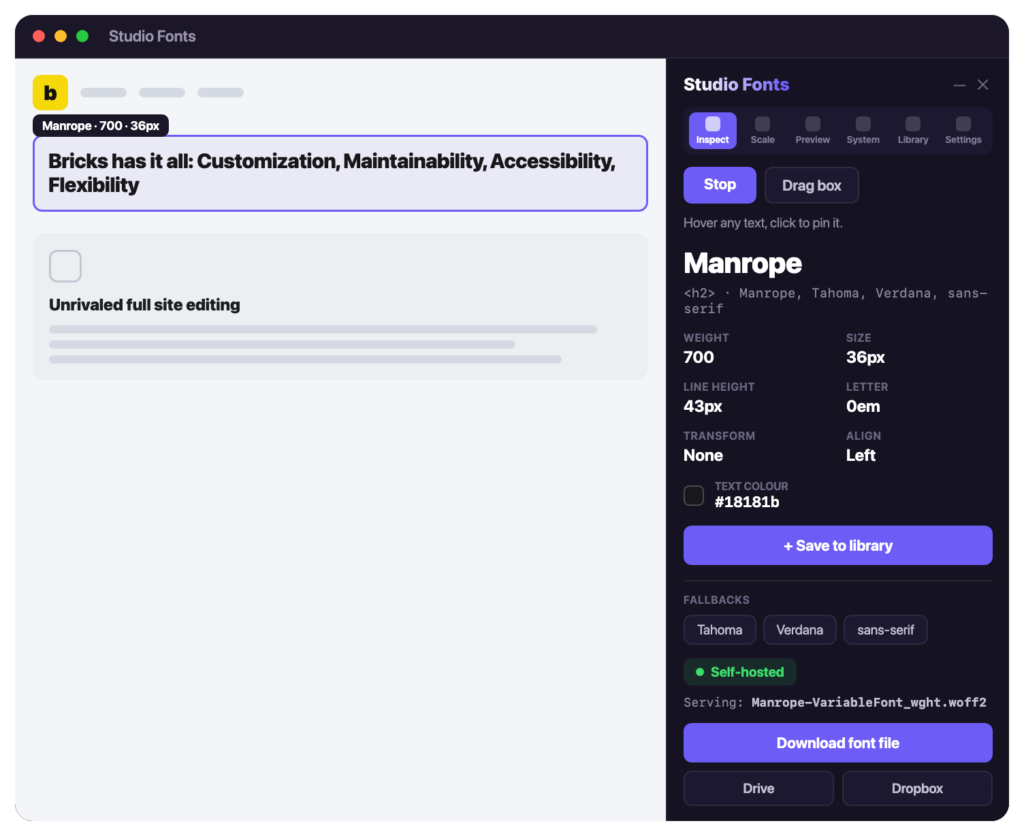
Studio Fonts is out now for Chrome, and Studio CSS is landing later this year.
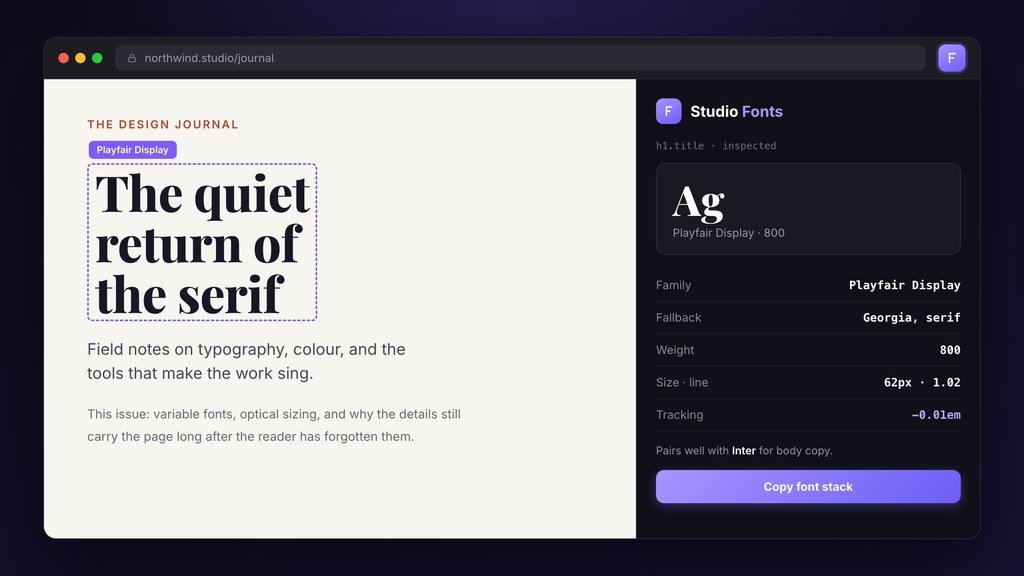
Point it at any live page and see the real type: the rendered font, the fallback stack, weights and pairings, all inspected inline.
Explore Studio Fonts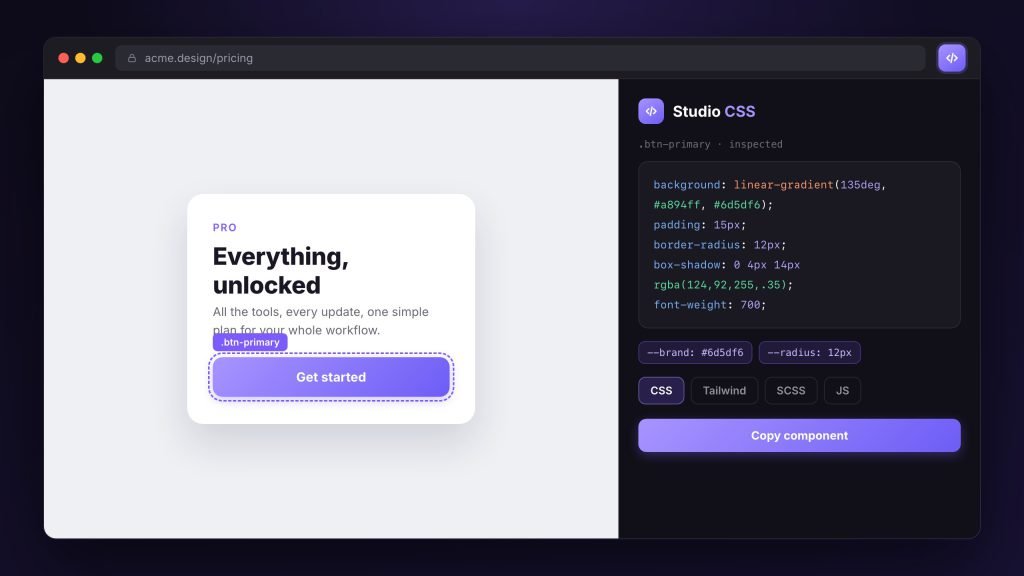
Point it at a live site and lift the real styles, from components to tokens, then export them in seven formats or rework them on a canvas scratchpad.
Get notified
I'm Mark, founder of Studio Grid, a design-led studio building a small, deliberate suite of tools for designers who work in the browser and on the Mac. Every product is held to one standard: it has to feel as considered as it works, or it doesn't ship. That keeps the suite focused, and when you get in touch, you hear from the people who build the tools.
Read my story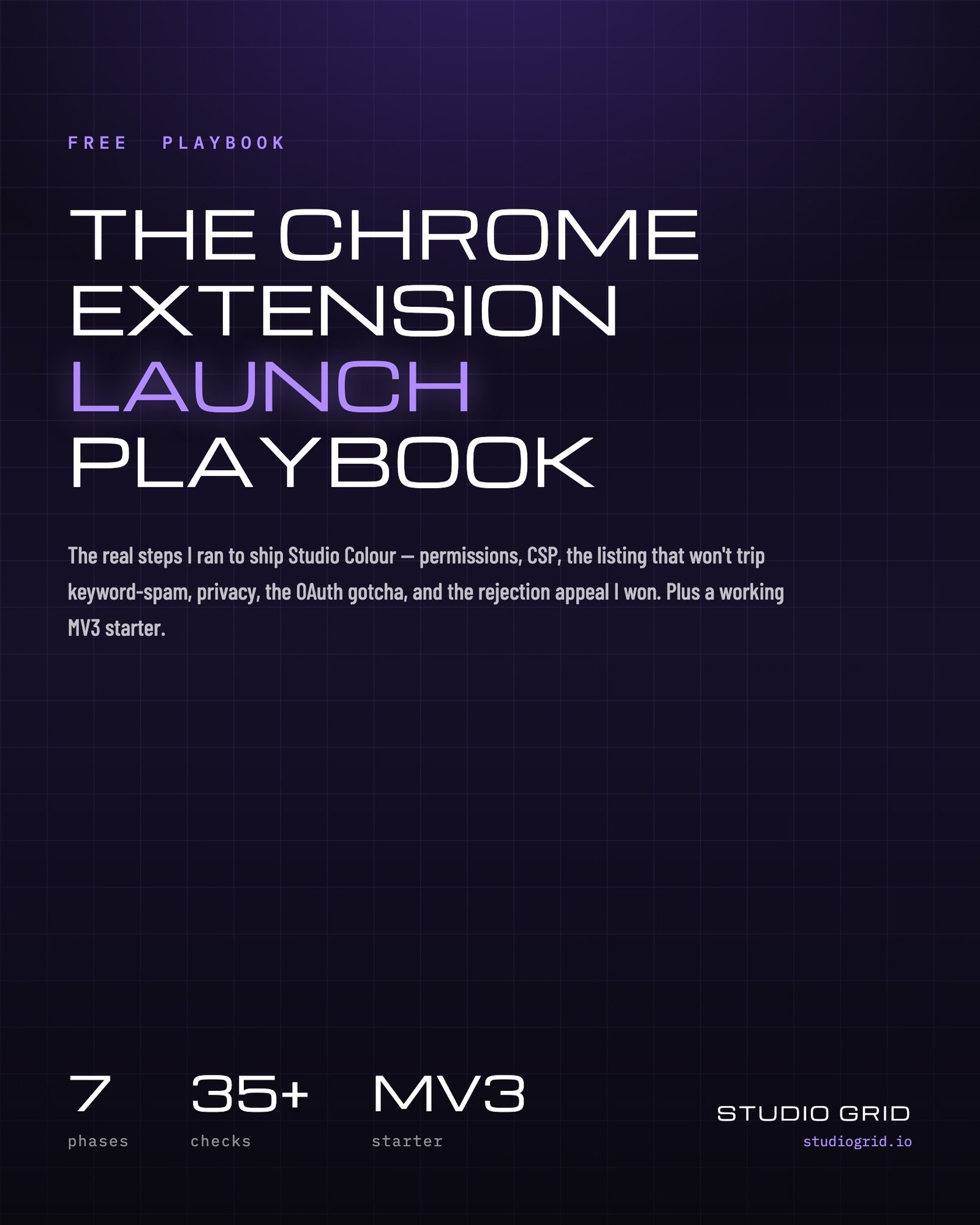
The common questions about the tools, the pricing, and
who's behind them.
The browser extensions are. Each one has a free core that does the real work, and some add an optional Pro tier for power-user features.
The Mac apps are paid subscriptions with a 14-day free trial. You start the trial at checkout with Lemon Squeezy, our payment provider, which asks for a card up front and emails your download link and licence key straight away. Cancel before day 14 using the link in your receipt email and you won’t be charged.
Each one stands on its own and solves a single problem well. A few share data or sync, but you can use any of them independently and stop using one at any time.
Studio Grid was founded by Mark Carranza, a web designer who builds with Bricks. Mark leads the design of every tool, and we build them in the open. Read the story →
Chrome extensions for the browser, and native Mac apps. Edge support for the extensions is on the roadmap.
Yes. The tools are local-first, so your data stays on your device. They don’t track you, run analytics, or sell anything. See our privacy approach →
In-depth walkthroughs on colour, CSS, and typography, using the same techniques built into the Studio Grid tools.

Studio Fonts is out on the Chrome Web Store. Point at any text to see the font that…
A design class failed a print assignment for one reason: they trusted “300 DPI” instead of effective resolution.…
Build a working Chrome extension from scratch in under 30 minutes. Part 1 of a 4-part beginner series:…

A tiny menu-bar monitor for your Mac that shows CPU, memory, storage and battery at a glance, plus live Claude & AI usage gauges. Enter your email and we’ll send you the download link.
Browser extensions
Latest updates
View all →We use essential cookies to run the site. With your OK, we also measure anonymous usage to improve the tools, and we never sell or share it. Privacy Policy