Live Mac vitals
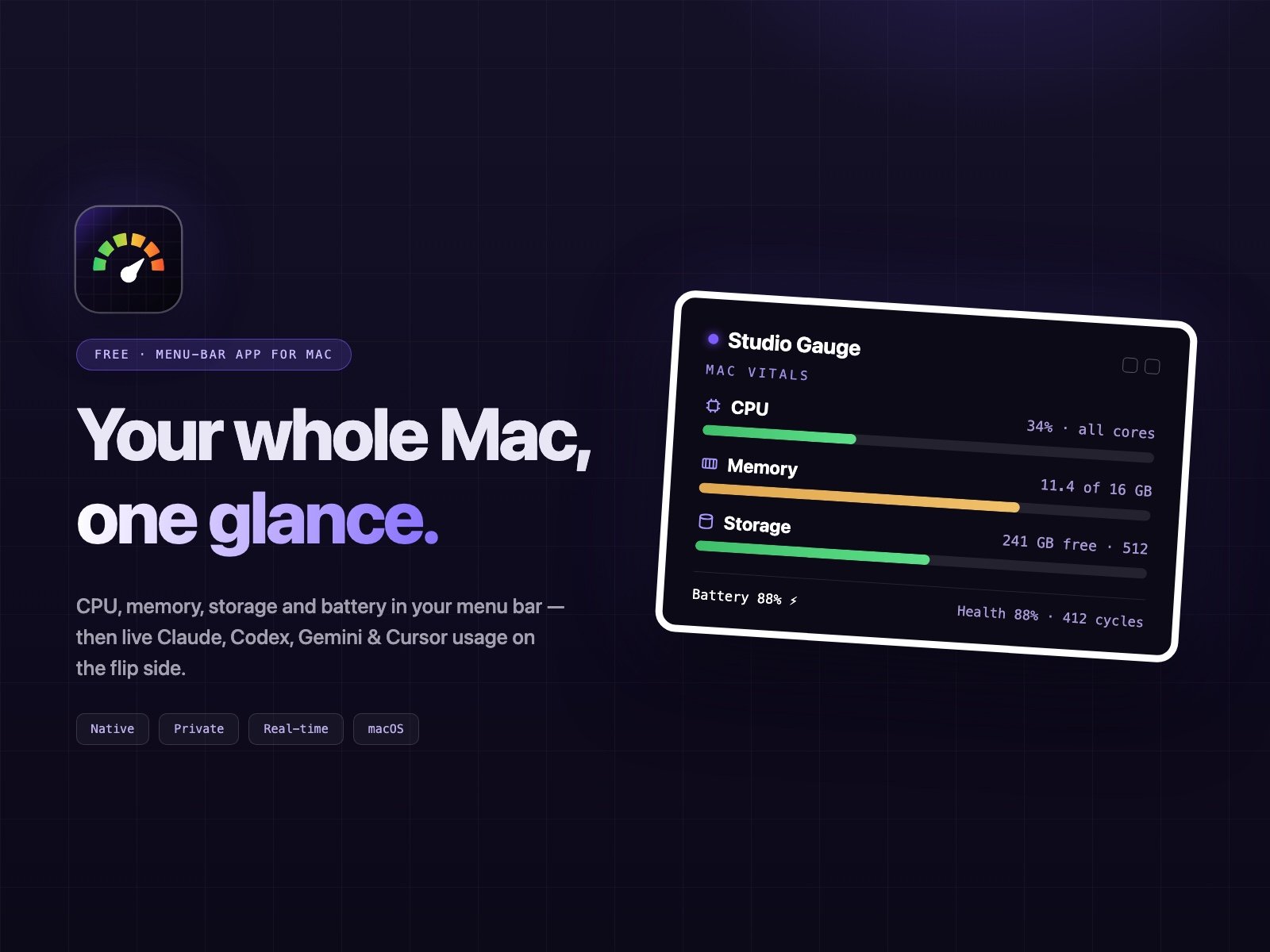
CPU, memory, storage and Wi-Fi sampled every second, folded into one menu-bar glance. Click through for the full breakdown.
Free · Menu-bar app for Mac
Studio Gauge keeps CPU, memory, storage, battery and Wi-Fi in your menu bar, then tracks your Claude, Codex, Gemini and Cursor usage on the flip side. It's native, private, and free.
We'll also send the occasional Studio Grid update. Unsubscribe anytime.
CPU, memory, storage & Wi-Fi
Battery health & cycles
Live AI usage
Private, and Studio Grid never sees it
Studio Gauge reads your Mac and your AI tools from one place, the menu bar, so you always know what's running and how much you've got left.
CPU, memory, storage and Wi-Fi sampled every second, folded into one menu-bar glance. Click through for the full breakdown.
See charge, cycle count, health % and uptime, so you know when to plug in and when the battery is starting to age.
Free space and disk pressure without opening About This Mac. A quiet nudge before you run out.
Studio Gauge holds your MacBook at the level you choose, overnight and even when the app is closed, then tops up to 100% once for a travel day.
Flip the panel for real-time Claude, Codex, Gemini and Cursor usage, including requests, tokens, and how close you are to your limit.
Gauge learns your rhythm and forecasts whether you'll reach the reset. A sparkline shows the trend at a glance.
Studio Gauge is free, with no trial or account required. Grab your free key and it’s yours in two clicks.
Get Studio Gauge freeThere's no setup wizard, account or API key to deal with. Drag it into Applications and it starts reading your Mac and your AI tools straight away.
→
Applications
Connections
Claude
Codex
Gemini
Cursor
Private by design
Gauge reads the usage data your AI tools already keep locally and, if you log in, from each provider’s own API. Your usage is never uploaded to Studio Grid, and there's no telemetry or cloud dashboard involved.
Reads local logs only, using the same session files your CLIs already write.
No account or sign-in needed. Activate once with a free key and you’re set.
Exact numbers with claude login, estimates from local logs without it.
$0 / forever
Mac vitals + battery + Wi-Fi + all four AI gauges
Pace forecast, 24-hour history & switch advisor
Floating edge gauge and menu-bar percentage
Light & dark, notifications, launch at login
A charge limit that holds overnight
GOOD TO KNOW
Quick answers about what Studio Gauge tracks, what it never touches, and what it costs (nothing).
Send us a note and we will come back to you, usually the same day.
Claude Code, Codex CLI, Gemini CLI and Cursor today. It shows only the ones you actually use, so a Claude-only setup will not show empty rings.
No. With a Claude login token it pulls exact numbers from Anthropic’s API, and without one it estimates from your local session logs against budgets you can calibrate.
Yes. Gauge is the free front door to the Studio Grid suite. You activate it once with a free key so we can count installs.
A native, notarized menu bar app on Apple silicon or Intel, shipped as a universal build of a few megabytes.
No. Gauge only takes token counts, times and project folder names from the usage files your AI tools already keep on your Mac, and your prompts are never stored. There is no analytics or tracking. It goes online only to refresh usage from the tools you are signed in to and to check for updates.
Free playbook
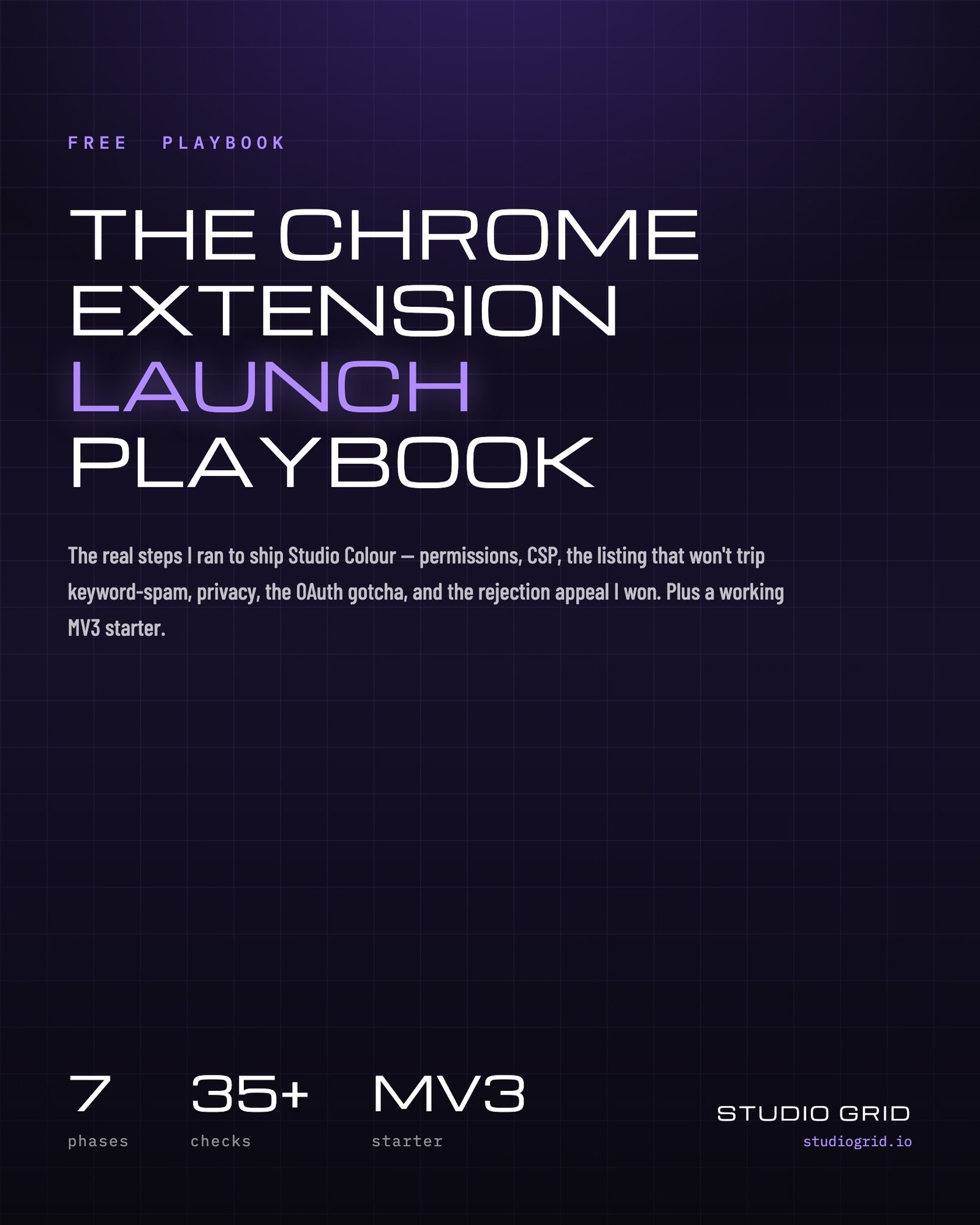
The real playbook I used to ship Studio Colour, covering permissions, CSP, a listing that won’t trip keyword-spam filters, privacy, the OAuth gotcha, and how I won a rejection appeal. It also includes a working MV3 starter you can load in 60 seconds. It's free and arrives straight in your inbox.
Joins the Studio Grid newsletter on shipping tools. No spam, unsubscribe anytime.
Browser extensions
Latest updates
View all →We use essential cookies to run the site. With your OK, we also measure anonymous usage to improve the tools, and we never sell or share it. Privacy Policy